
Self Hosting "Dwarf Fortress" Legends.
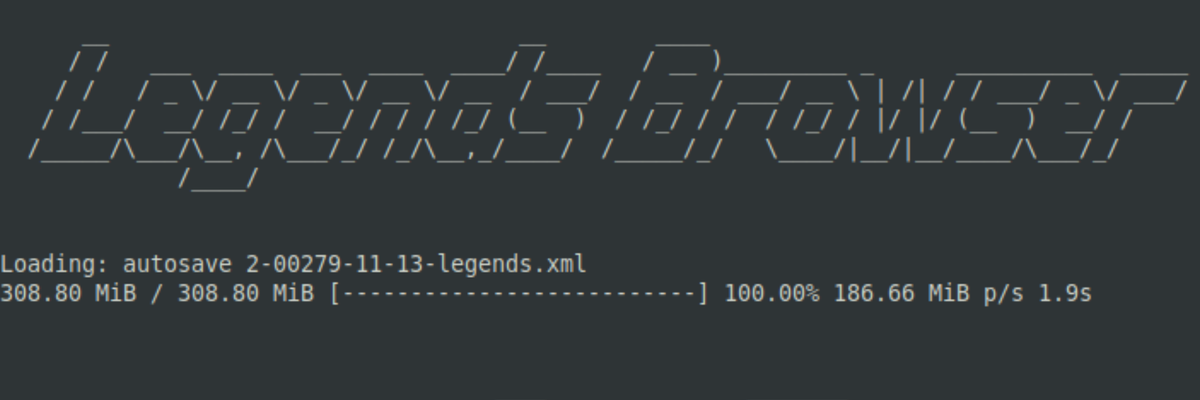
I have been on a quest for a few months now. I had this idea in my head that it would be really fun if I could distribute legends for my worlds. What if I could do this in real time? While I am live? I don't have any knowledge of how self hosting works or how I should even go about setting this up. However, with some help from TheSuitedGiraffe on Discord and a lot of fiddling we were able to get it working! Kinda.
The result is really cool, if you visit: https://legends.blindirl.net and my server is running you are now able to view legends for my current world! Ideally this will allow anyone watching the stream to quickly look up events and items of specific interest. I think this will give the viewer a really interesting look into the world I am playing! I might even find it helpful.
The sad part is Legends Browser is a bit out of date when compared to Legends Viewer -Next The latter of which has a number of extra fancy features. But we ran into some issues with Legends Viewer -Next because it is client-side-only, Meaning if you self host it seems to be unable to search for or open .xml files when someone is trying to look remotely. Thankfully Legends Browser does not seem to have this same issue. I am not sure of yet if this will run 24/7. I'll leave it up for at least a day after posting here. It will be available while I'm live at the least. Here are some screenshots and if you scroll down I'll attach instructions on how we set this up.
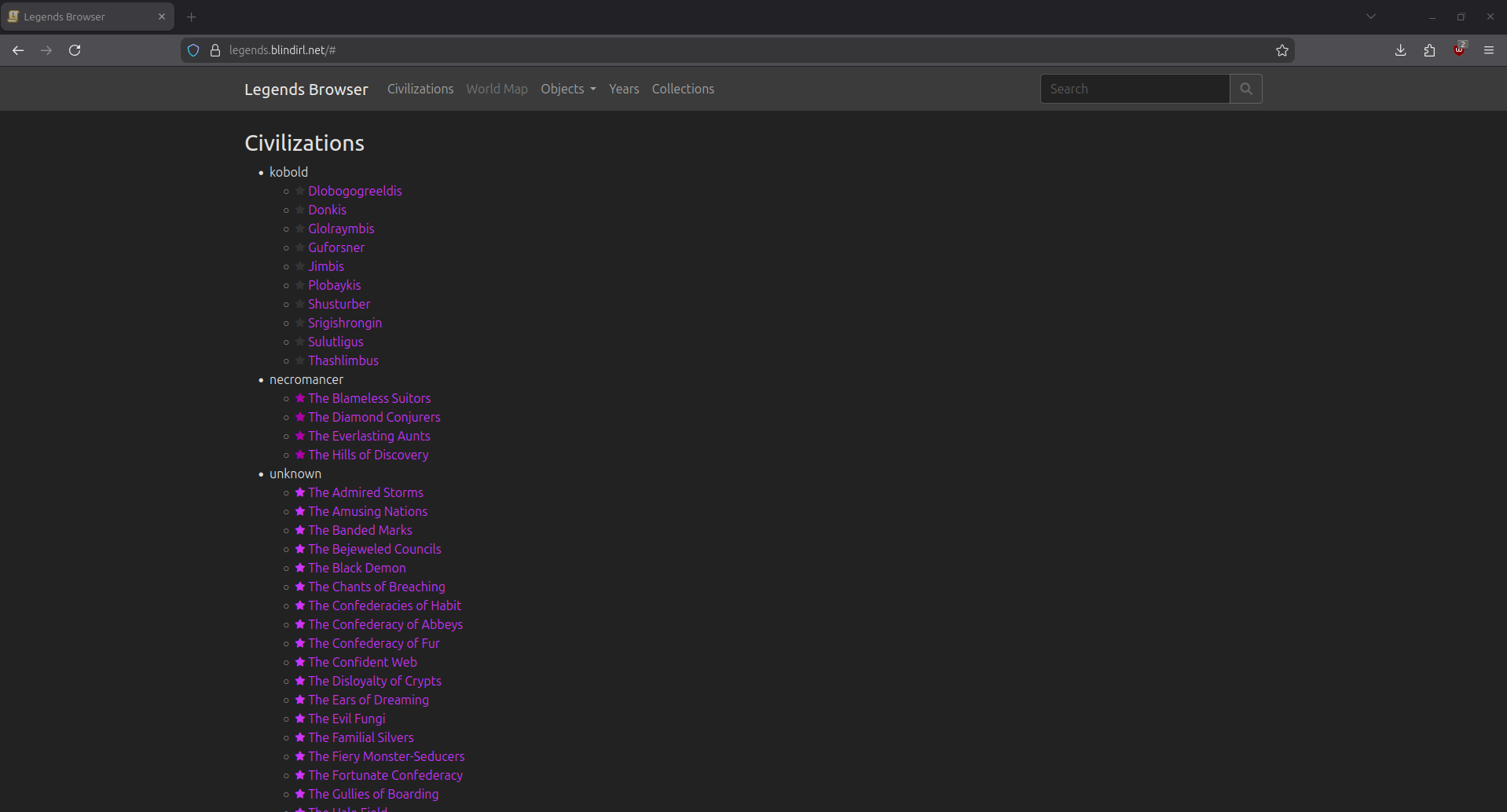
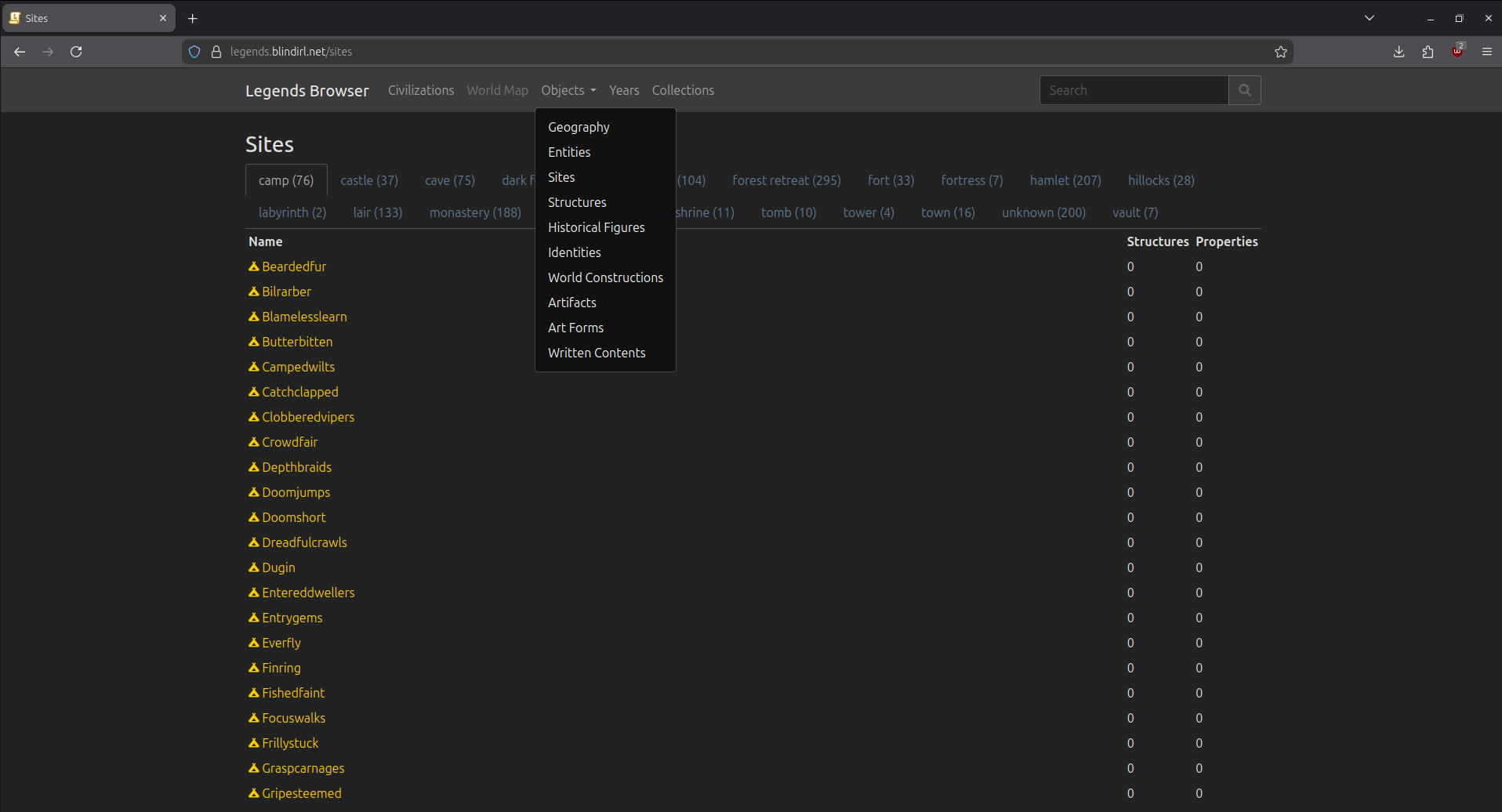
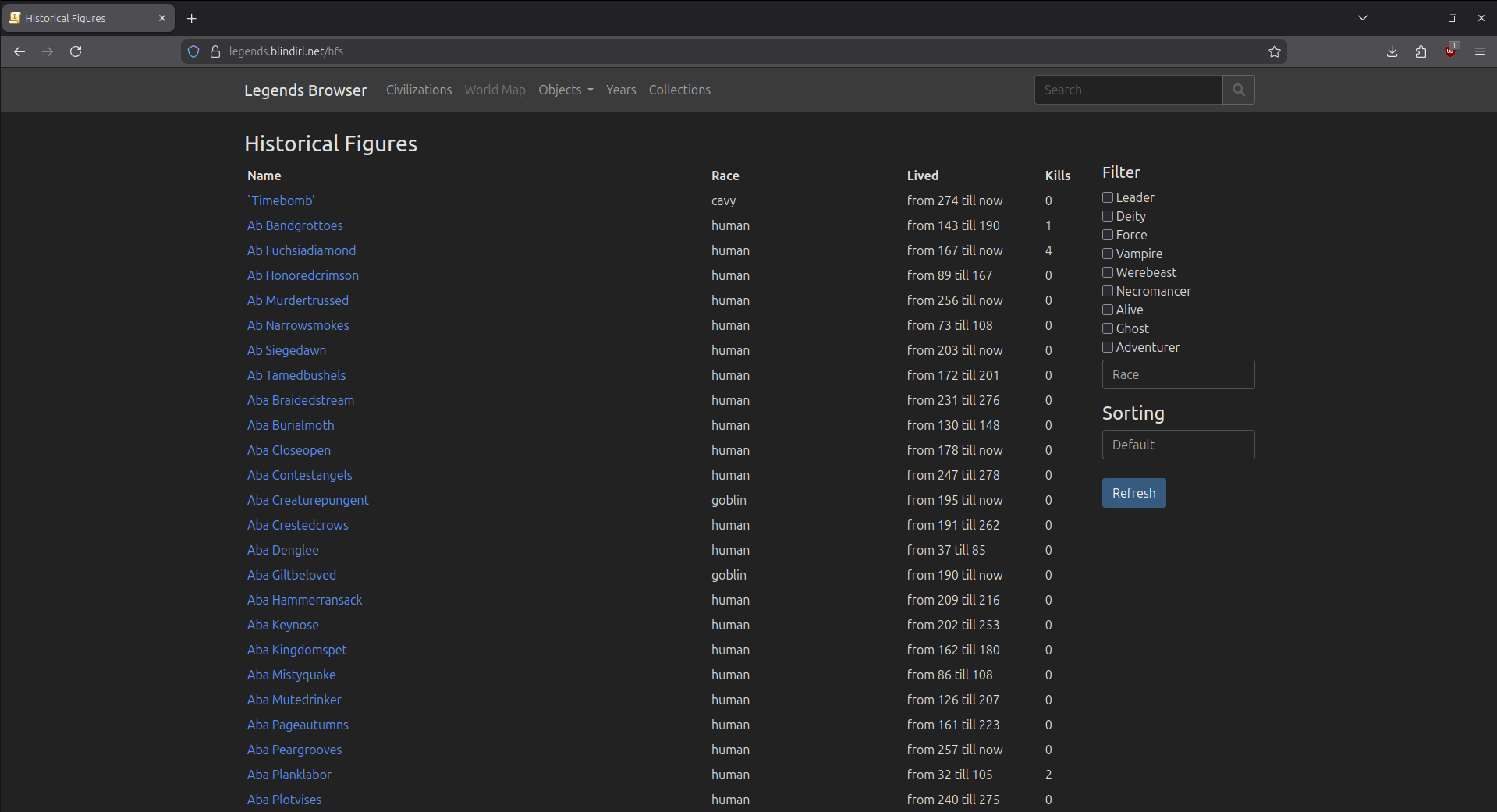
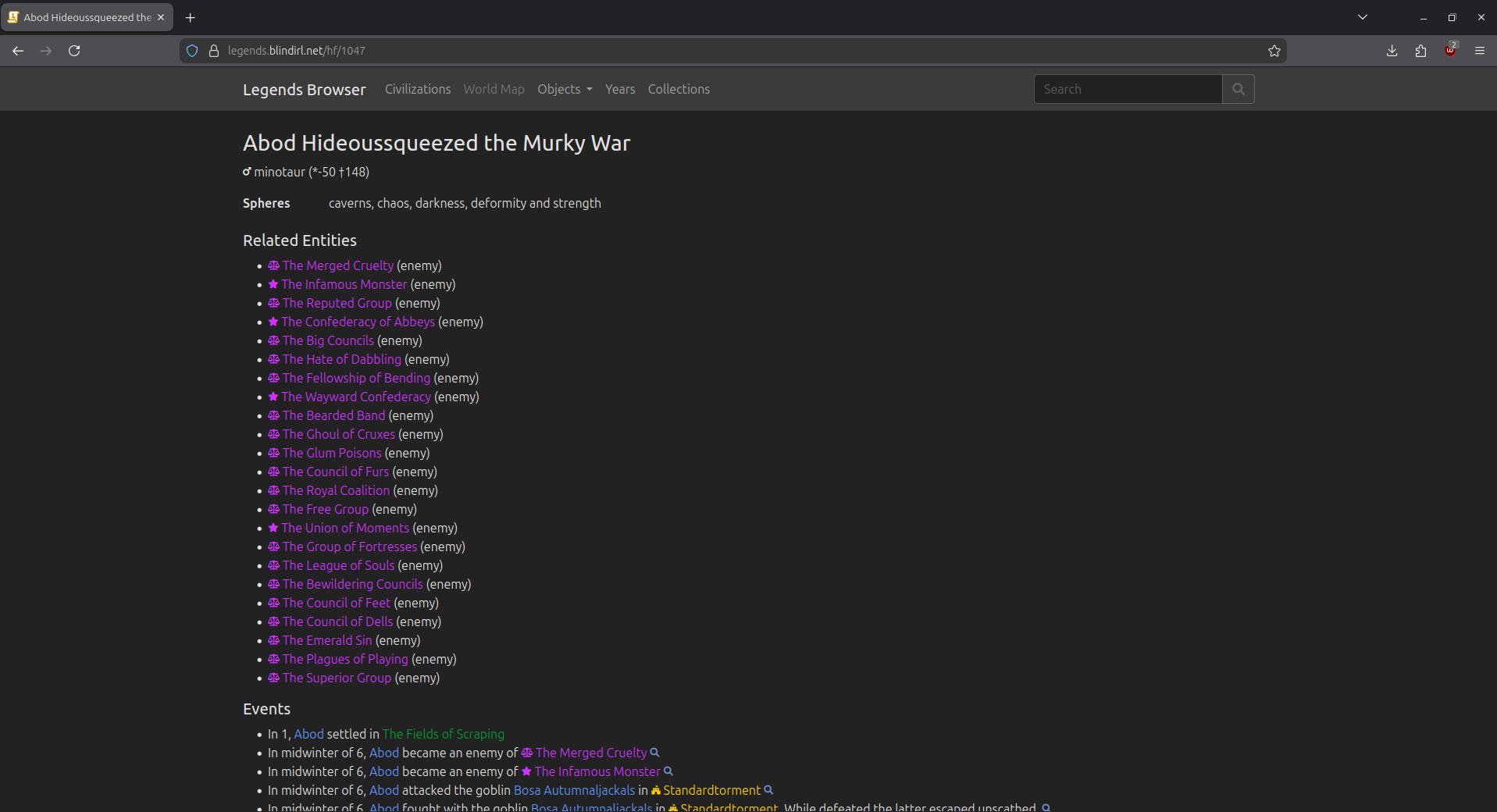
Legends Browser.
This was the process that was used.
First I installed an Ubuntu Virtual machine on my personal server.
After that we used Remmina to connect to the machine and installed net-tools and unzip.
- sudo apt install net-tools
- sudo apt install unzip
- mkdir legendsbrowser
- cd legendsbrowser
- wget https://github.com/robertjanetzko/LegendsBrowser2/releases/download/2.0.10/legendsbrowser-2.0.10-linux.zip
- unzip legendsbrowser-2.0.10-linux.zip
We set up a port tunnel and domain on Cloud Flare and bought the domain blindirl.net Then things get a lot easier.
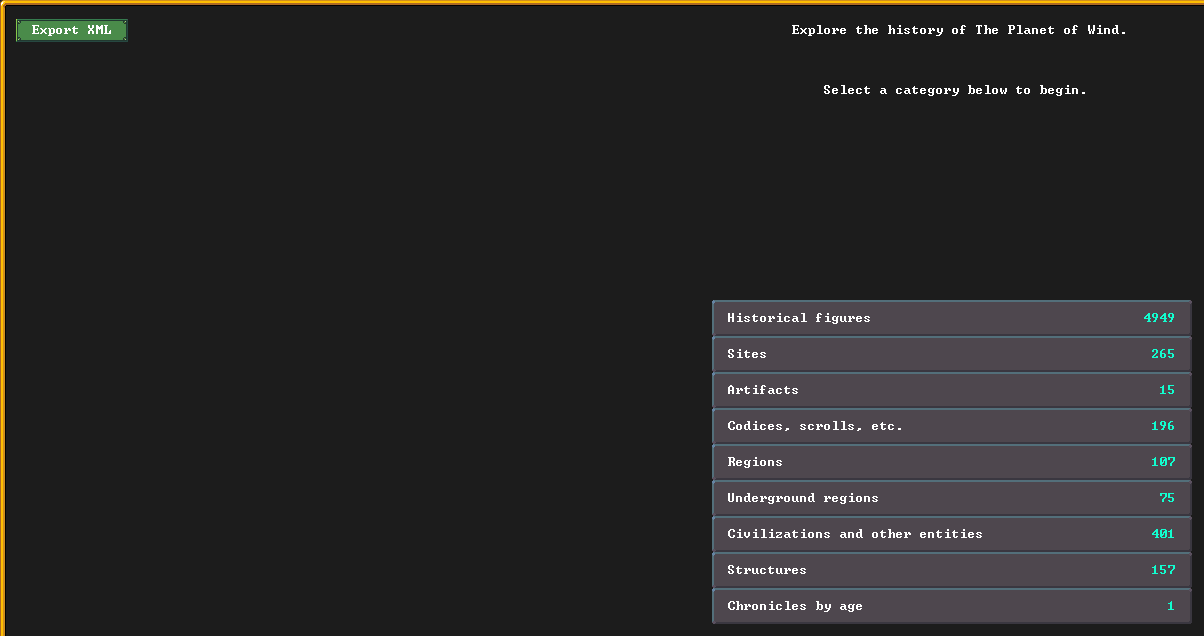
I launched Dwarf Fortress and loaded up my current world. Then I clicked on legends and exported legends by clicking the button in the top right. Sadly I ran into issues using the expanded legends option in DFHACK.
Once legends is export it appears in your directory, like this. I copy "autosave 2-00279-11-13-legends.xml" to my home folder so it is easy to locate.
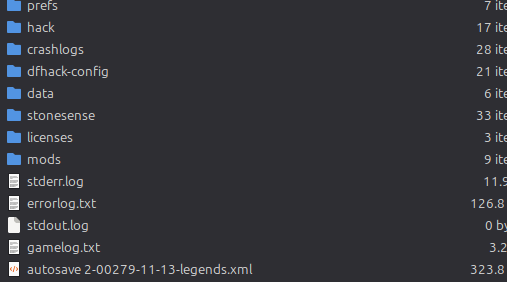
When all of this is complete I open terminal and type in the following commands.
- scp /home/gregory/"autosave 2-00279-11-13-legends.xml" blind@(address of the local machine):/home/blind/legendsbrowser
Once the file is transferred I log into the server with ssh.
- ssh blind@(address of the local machine) and type in the password.
- cd legendsbrowser
- ls
- (Should show the name of the file once transfered) eg: autosave 2-00279-11-13-legends.xml
- nohup ./legendsbrowser -w (NAME OF FILE) -p (Port Number) -s
This launches legends browser and hosts the .xml for whatever world I'm currently playing.
Schedule
This will be a bit of a short week. I plan to stream Tuesday - Thursday. Due to a concert I am going to on Thursday night. I'll be hanging out with some friends that day so I can't confirm a Friday stream.
I've wanted a bit of variety for awhile so I think we'll be playing Songs of Syx this week. As well as Tuesday to start we'll be looking at a game that just launched in Early Access called "Earth of Oryn" We'll return to Dwarf Fortress next week. I do have some concerns about it but I don't think it is super dense on content so we'll give it a look and then swap to Songs of Syx.

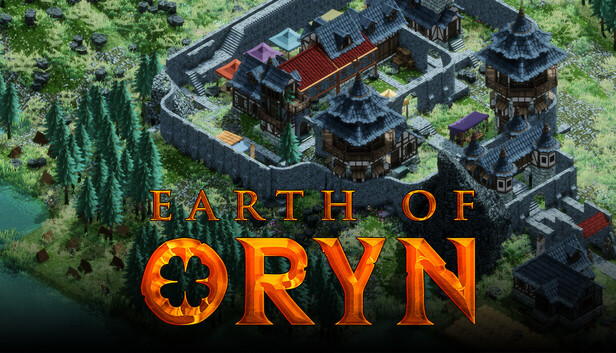


If you somehow missed it, Here is the major release from last week.